Factory direct · 55–110 inch · 30+ countries
The right screen for every classroom and meeting room
Schools, training centers and boardrooms have different needs. See how real buyers chose their screen — then request a quote for your project.
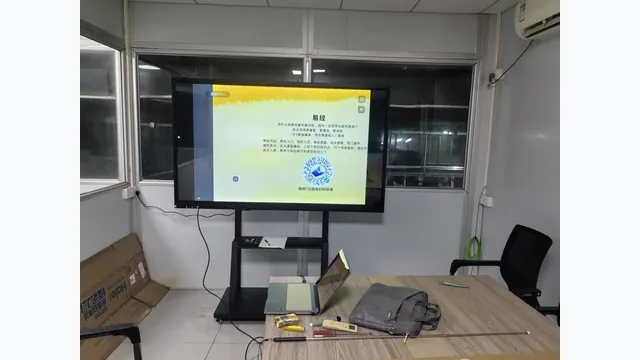
Which scenario fits your project?
Every buyer has a different room, budget and requirement. Choose the scenario closest to yours to see what other buyers chose — and why.
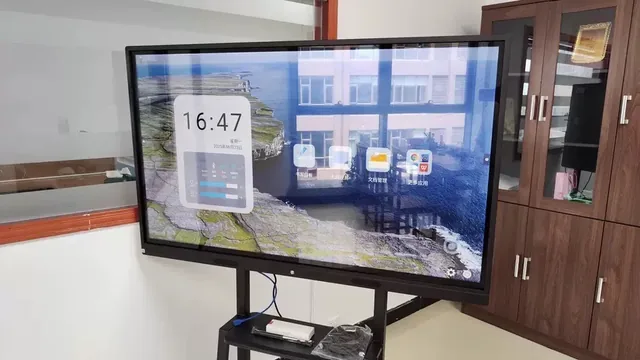
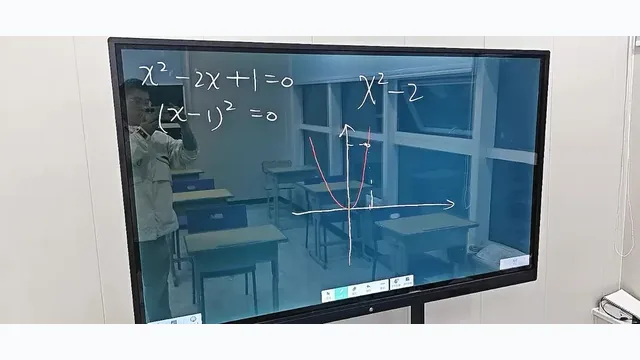
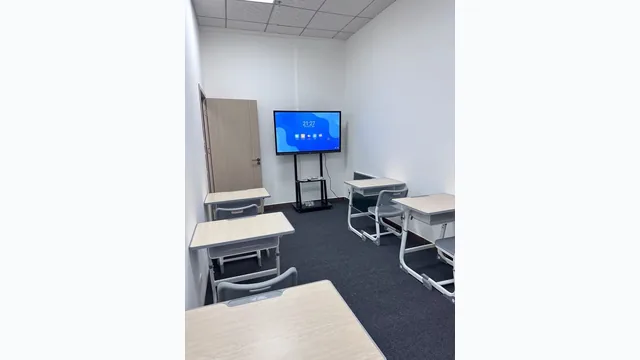
Primary & secondary school classrooms
The teacher needs to write on the board, show slides, play video lessons and share student work on screen — all without switching between multiple devices or a projector.
- 65" for rooms up to 8 m depth (20–30 students)
- 75" or 86" for larger classrooms (30–50 students)
- Mobile stand if the screen needs to move between rooms
- Android system is enough for most school tasks — no OPS needed
"We replaced the projector and whiteboard with one 75" screen. Teachers write directly on it, show PDF lessons and cast from laptops. Setup time dropped from 10 minutes to zero."— School procurement, Southeast Asia
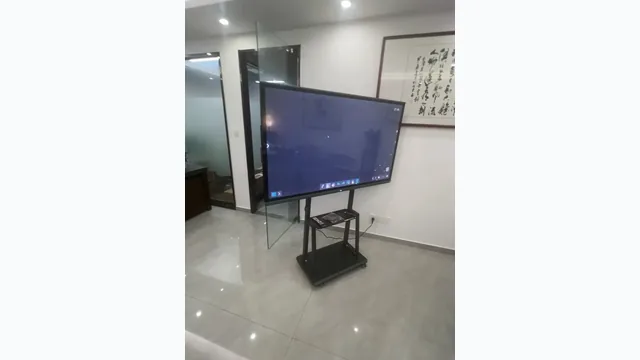
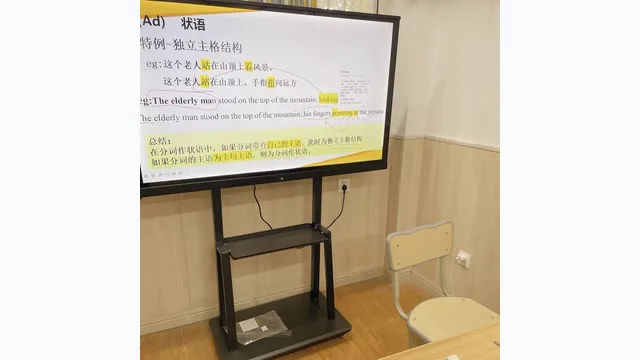
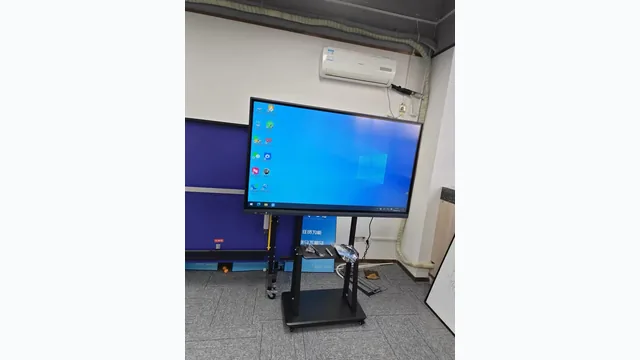
Corporate training centers & universities
Trainers need to run proprietary Windows software, Office presentations and Zoom — while also being able to annotate over live content. The screen must work as a standalone PC.
- 86" most common for training rooms (40–60 participants)
- 98" for lecture halls with 80+ attendees
- Android + Windows OPS dual system — switch between them with one button
- Optional camera (13MP or 48MP) + 8-array microphone for hybrid and remote delivery
"We run Zoom and our internal LMS directly on the screen via Windows OPS. No laptop needed. Trainers just walk in and start."— Corporate training manager, Middle East
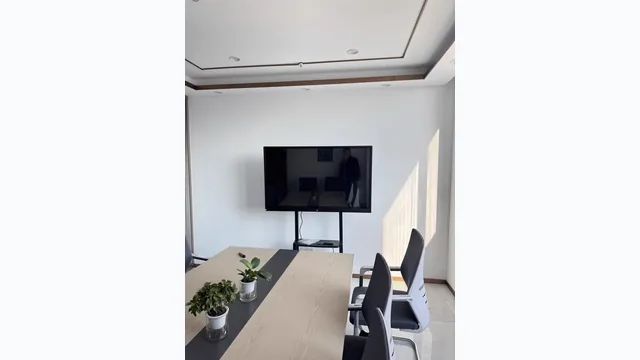
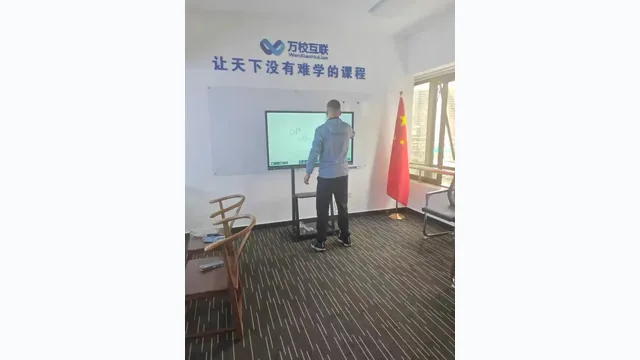
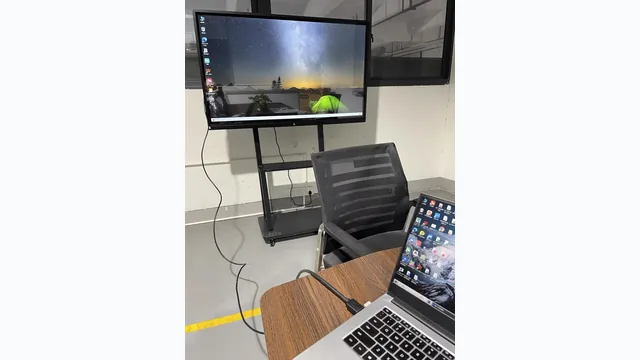
Meeting rooms & boardrooms
Different people need to share their screen from different devices — Windows laptop, MacBook, phone — without fiddling with cables. Video calls must be sharp and clear for remote participants.
- 65" for small meeting rooms (6–10 people)
- 75"–86" for medium boardrooms (up to 20 people)
- Wireless casting dongle for cable-free sharing from any device
- Camera bar + microphone for Zoom or Teams video calls
"Every participant can share wirelessly. The camera sees the whole room. We replaced the projector and separate video bar with one screen."— Office manager, Europe
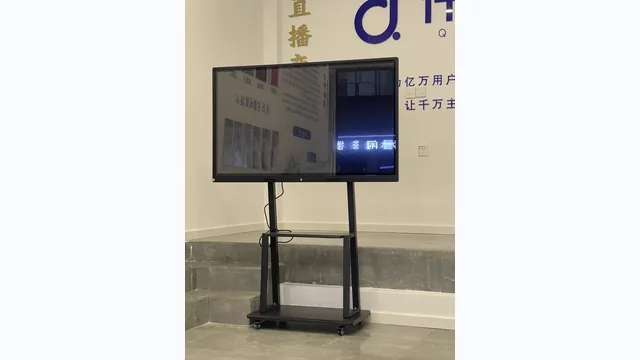
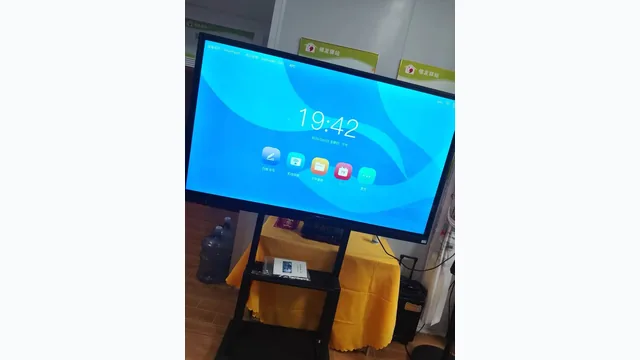
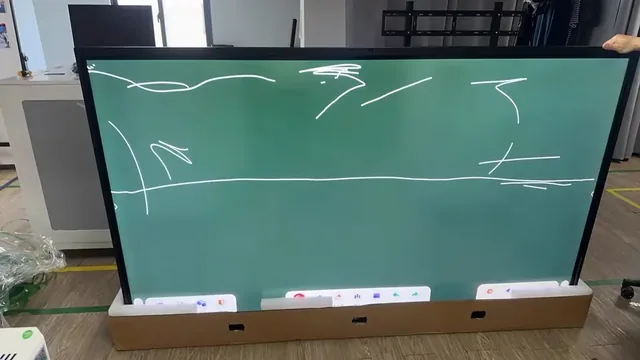
Shared classrooms & blackboard integration
The school has 10 classrooms but can only afford 3 screens this year. Or teachers still need traditional chalk writing alongside the digital display. Fixed wall mounting isn't always possible.
- Heavy-duty mobile stand with locking wheels — one screen moves between rooms
- Sliding blackboard integration — screen sits behind blackboard panels, slide to reveal
- 65"–75" sizes for easiest handling on a stand
- Budget savings: 3 screens + 3 stands cover 9 rooms in a rotation
"We have 6 screens on stands for 18 classrooms. Teachers book the screen the night before. It works better than fixed screens in every room."— Deputy principal, South Asia
From the classroom to the boardroom
Every photo below is a real customer installation. Click to open full size.
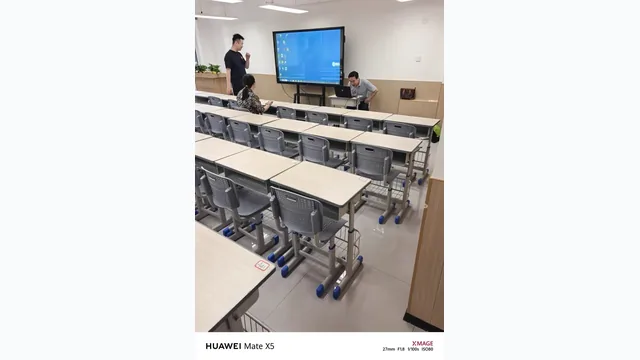
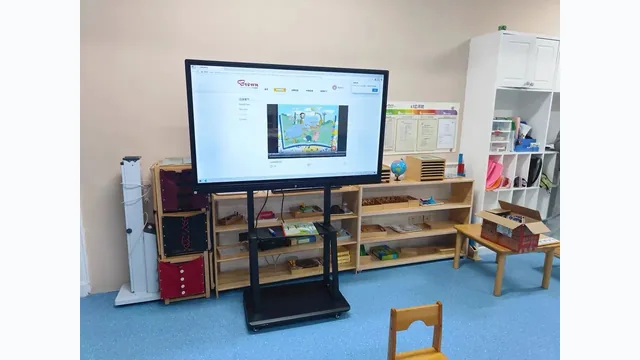
Choose by room depth and audience size
A rough rule: room depth (metres) × 0.6 = minimum screen diagonal (inches). When in doubt, go one size up.
3 questions that determine your configuration
Does the teacher need Windows software?
If yes to Office, school-specific Windows platforms, Zoom desktop or domain login — add Windows OPS module. Otherwise Android handles whiteboard, casting and basic apps without extra cost.
Android vs Windows OPS guide →Will the screen be used for video calls or hybrid lessons?
If yes — add the optional camera bar (13MP or 48MP) and 8-array microphone. They connect via USB and work with Zoom, Teams and Google Meet on both Android and Windows.
Video conference setup guide →Will the screen move between rooms or stay fixed?
If it moves — use a heavy-duty mobile stand with locking wheels. If it stays — confirm wall structure can bear the weight (72 kg for 86"). Sliding blackboard integration is also available.
Installation options guide →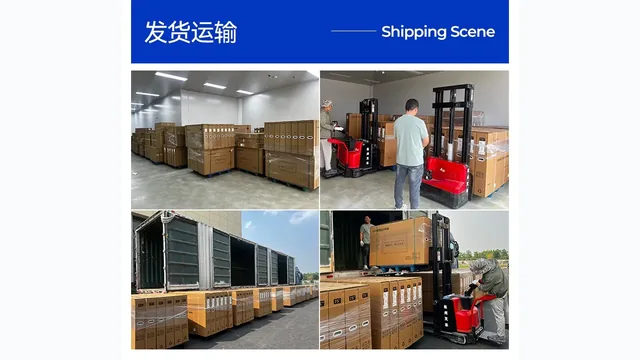
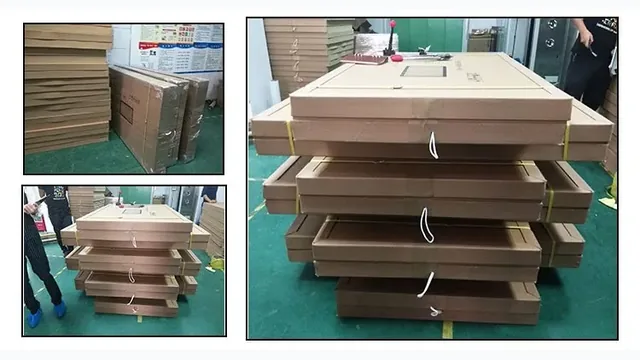
Air and sea freight to 30+ countries
- Air freight — 5–14 days. Suitable for samples and urgent orders of 55"–65" screens.
- Sea freight — 15–45 days by region. Economical for bulk orders and large 86"+ screens.
- Standard carton — included in product price. Double-wall with foam corner protection.
- Wooden case — optional, quoted separately. Recommended for 86"+ on long sea routes.
Ready to quote your project?
Send screen size, quantity, destination country and configuration. We reply with pricing and lead time — directly, no middlemen.