Android standard system
Suitable for whiteboard writing, file display, simple apps, wireless screen sharing and regular classroom presentation. It keeps the base configuration simple.
Android is the standard system. Windows OPS is optional when schools or meeting rooms need Office, Zoom, Teams, teaching software or Windows applications.
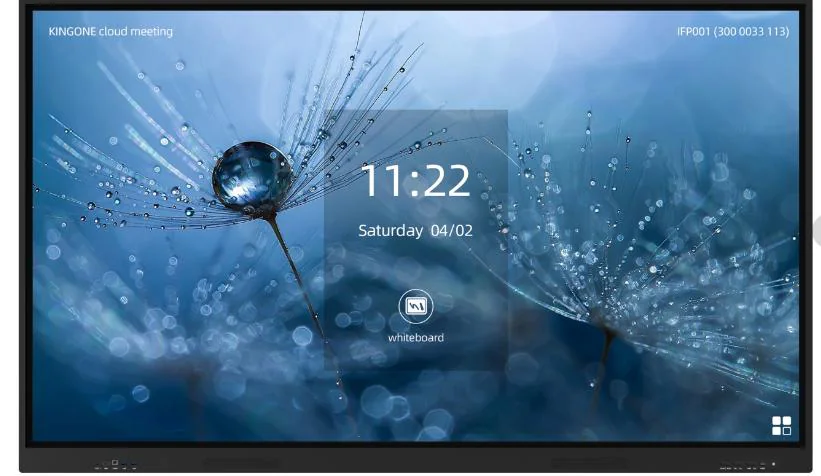
Suitable for whiteboard writing, file display, simple apps, wireless screen sharing and regular classroom presentation. It keeps the base configuration simple.
Recommended when the buyer needs Office, Zoom, Teams, Windows teaching software, browser-based platforms or school-specific Windows applications.
| Requirement | Android only | Android + Windows OPS |
|---|---|---|
| Basic whiteboard | Suitable | Suitable |
| Wireless screen sharing | Suitable | Suitable |
| Microsoft Office | Limited | Recommended |
| Zoom / Teams | Depends on app | Recommended |
| School Windows software | Not suitable | Recommended |
For most school tenders, the Android system covers daily whiteboard writing, annotation, file preview and wireless casting. The buyer should add Windows OPS only when the teaching workflow depends on Windows software, browser plug-ins, local Office editing or video meeting tools that must run inside the screen.
The practical difference is maintenance. Android keeps the screen simple and reduces setup work. OPS adds flexibility, but it also means Windows updates, account settings, software compatibility and possible IT support. For one classroom, OPS is often convenient. For a multi-room school project, the better choice depends on whether every room truly needs the Windows environment.