Classroom use
Teachers can show courseware, students can share project work, and group discussions become easier without repeated cable changes.
Wireless screen sharing allows teachers, students and meeting participants to cast laptop, tablet or phone content to the interactive display.
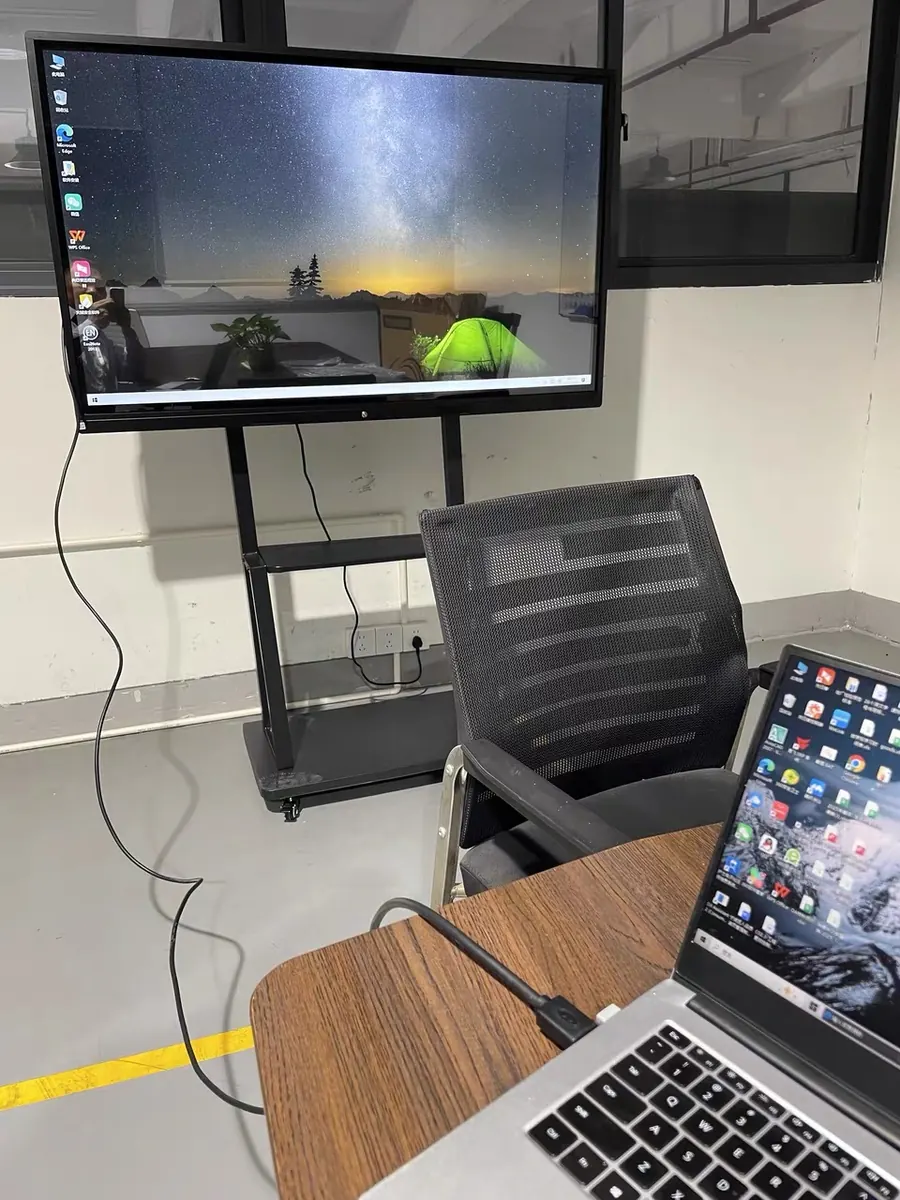
Teachers can show courseware, students can share project work, and group discussions become easier without repeated cable changes.
Participants can share presentation files, dashboards, drawings and meeting notes from laptops or mobile devices.
Wireless sharing depends on selected casting solution, device type and local network environment. Confirm before quotation.
Wireless screen sharing allows teachers or meeting participants to cast laptops, tablets or phones to the display. It reduces cable changes and makes classroom or meeting operation faster.
Compatibility should be checked by device type: Windows laptop, MacBook, iPad, Android phone or iPhone.
Wireless screen sharing is useful only when the room network is stable and the device policy is clear. In schools, teachers may cast from laptops while students cast from tablets or phones. In meeting rooms, the common requirement is quick laptop sharing without changing cables every time.
Before ordering, confirm the main device types: Windows laptop, MacBook, iPad, Android tablet or mobile phone. Some projects only need simple mirroring. Others need split-screen display, reverse touch control or password-controlled access. These details affect software setup and user experience more than the screen size itself.