65–75 inch
Best for smaller classrooms, tutoring rooms and compact meeting spaces where viewing distance is limited.
Training centers often share one display between different rooms, so mobile stand, wireless screen sharing and easy file presentation are more valuable than a fixed installation alone.
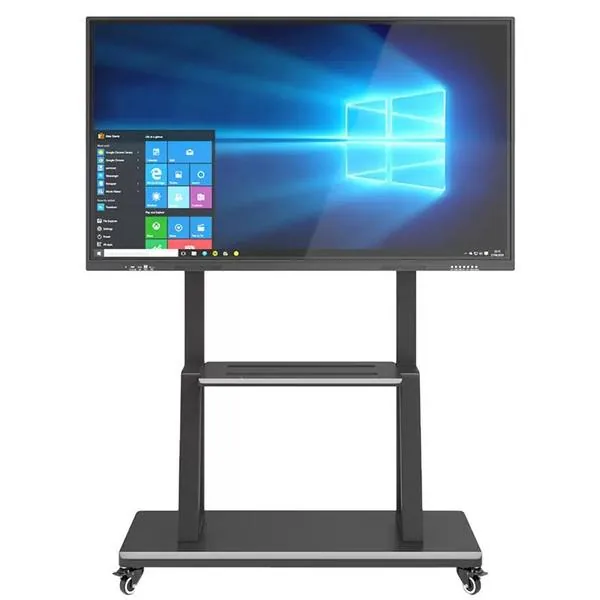
Best for smaller classrooms, tutoring rooms and compact meeting spaces where viewing distance is limited.
The mainstream size for school classrooms, training rooms and boardrooms that need a larger writing area.
Used for lecture rooms, conference halls and large teaching spaces where visibility is the main concern.
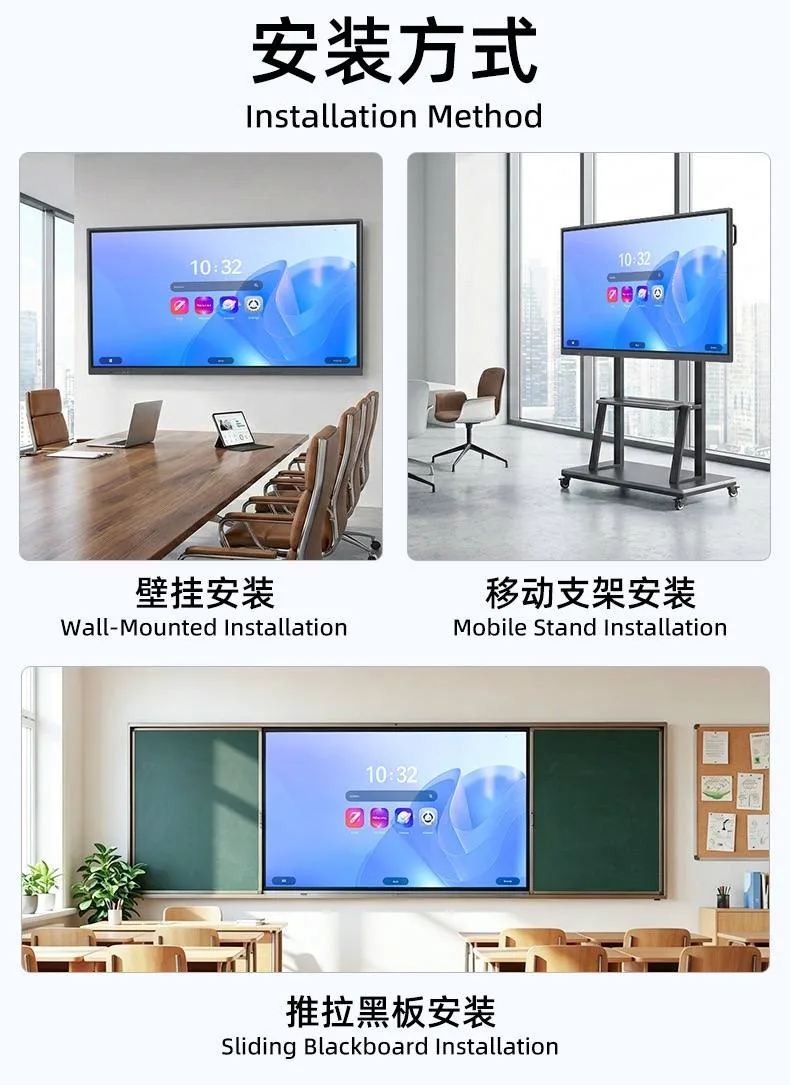
Wall-mounted installation, mobile stand installation and sliding blackboard integration have different hardware and packing requirements.
The right interactive screen depends on room size, seating distance, teaching or meeting style, and whether users need Android only or Windows OPS. For smaller rooms, 65 inch and 75 inch screens are easier to install and operate. For larger classrooms, lecture rooms and meeting spaces, 86 inch or above usually gives better visibility.
Buyers should confirm whether the screen is mainly used for writing, presentation, wireless sharing, video calls or software operation. These details decide the accessory list more accurately than choosing by size alone.