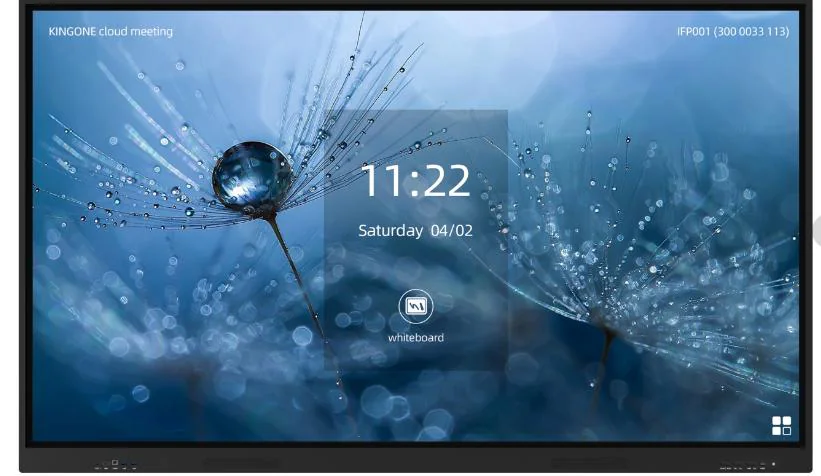
Android Interactive Screen
Base Android 14.0 configuration for whiteboard writing, courseware display, screen sharing and everyday classroom use.
Open Android solution →This section explains how buyers choose between Android-only screens, Windows OPS modules, dual-system displays, mobile stands, wall mounting, wireless screen sharing and video conference accessories. Each solution page answers a different procurement question instead of repeating the same quote form.
Use Android for whiteboard, annotation and wireless casting. Add Windows OPS when schools or companies need desktop software, Office, Zoom, Teams or local teaching programs.
Wall mounting is stable for fixed classrooms. Mobile stands are better when one display is shared between rooms. Sliding blackboard integration keeps traditional writing space.
Camera, microphone and wireless sharing options turn the display into a collaboration screen for remote classes, hybrid meetings and document review.
The cards below are organized by the real questions buyers ask before placing an order.
Base Android 14.0 configuration for whiteboard writing, courseware display, screen sharing and everyday classroom use.
Open Android solution →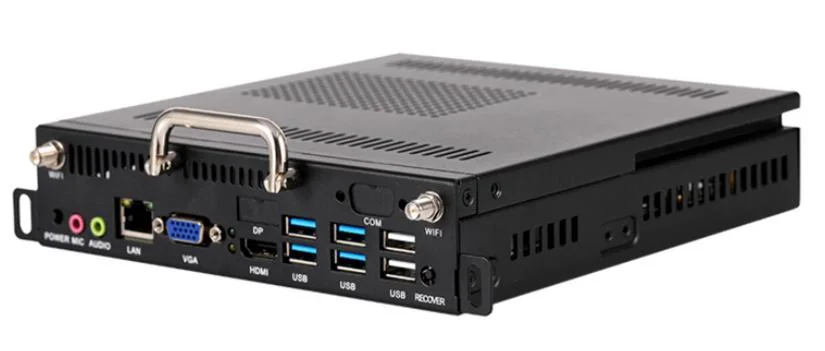
For desktop teaching software, Office files, Zoom, Teams, browser-based systems and customer-specific applications.
Open Windows OPS solution →Android for quick teaching and Windows OPS for software compatibility. Useful for schools with mixed usage requirements.
Open dual-system solution →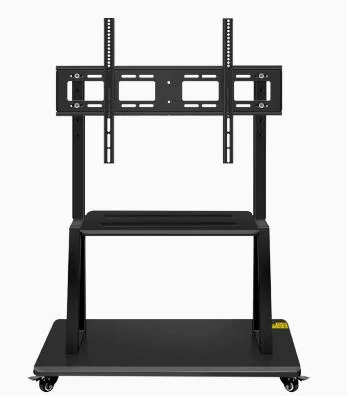
Flexible classrooms, training centers and shared meeting rooms can move one large screen between different spaces.
Open mobile stand solution →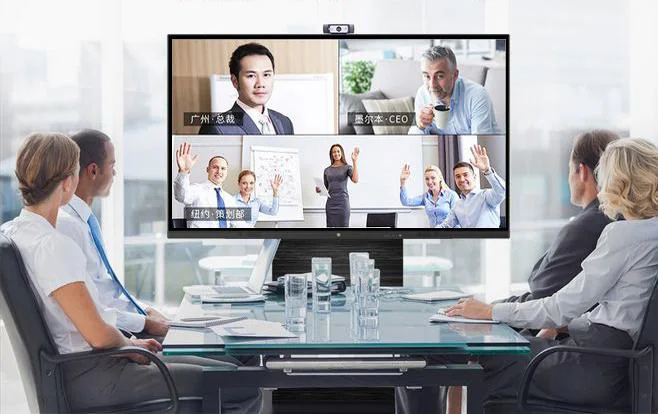
Camera and microphone options support remote teaching, hybrid meetings and cross-location collaboration.
Open video conference solution →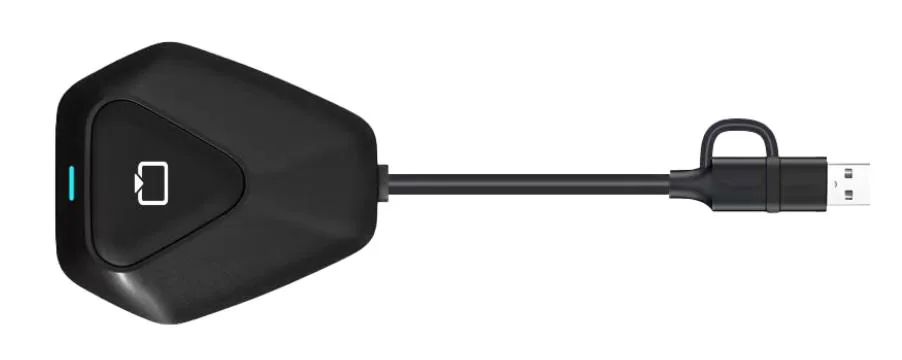
Teachers and meeting participants can cast laptops, tablets or phones to the display without changing the whole room wiring.
Open wireless sharing guide →| Requirement | Recommended choice | Reason |
|---|---|---|
| Basic classroom teaching | Android interactive screen | Lower cost, quick startup, supports writing, annotation and casting. |
| Office documents or desktop software | Windows OPS | Runs Windows programs directly inside the display. |
| Hybrid class or remote meeting | Camera + microphone + wireless sharing | Supports video calls and collaborative screen sharing. |
| Multiple rooms share one screen | Heavy-duty mobile stand | Avoids fixed wall installation and improves flexibility. |
| Traditional blackboard remains important | Sliding blackboard installation | Combines digital display with familiar chalk or whiteboard writing. |