
Schools
Interactive Screens for Schools
Procurement logic for primary schools, private schools, international schools and education projects.
Open school application →This section separates the main buying scenarios: schools, classrooms, universities, training centers and meeting rooms. Each page explains the room size, user behavior, configuration and installation logic for that environment.
Teachers need writing, annotation, courseware display, wireless casting and stable daily use.
Companies need presentation, document review, remote meetings, camera, microphone and screen sharing.
Training centers often need mobile stands, repeated classes and flexible software support.
Procurement logic for primary schools, private schools, international schools and education projects.
Open school application →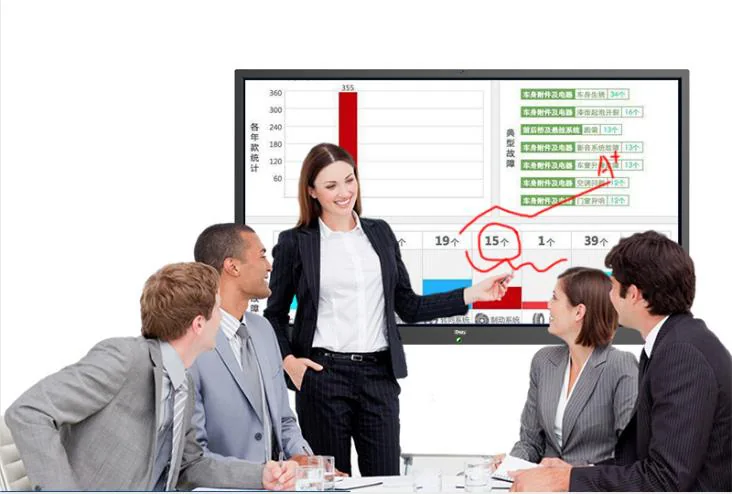
Choose screen size by room depth, student count and viewing distance.
Open classroom application →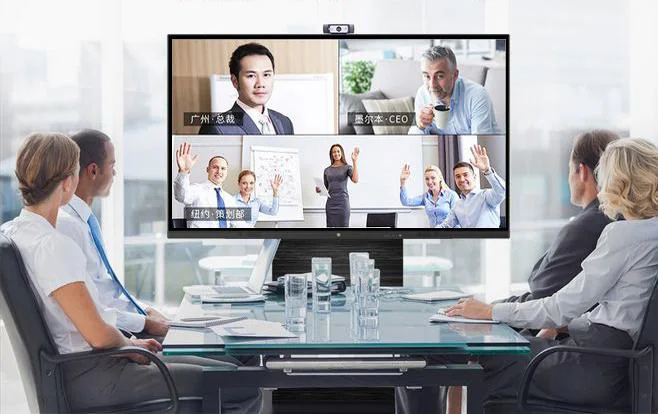
One display for presentation, whiteboard, screen sharing, video meeting and document review.
Open meeting room application →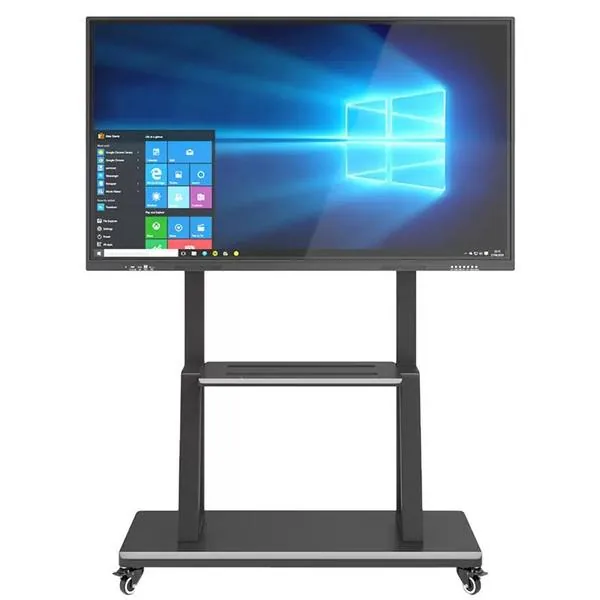
Mobile use, repeated courses, remote training and flexible room layouts.
Open training center application →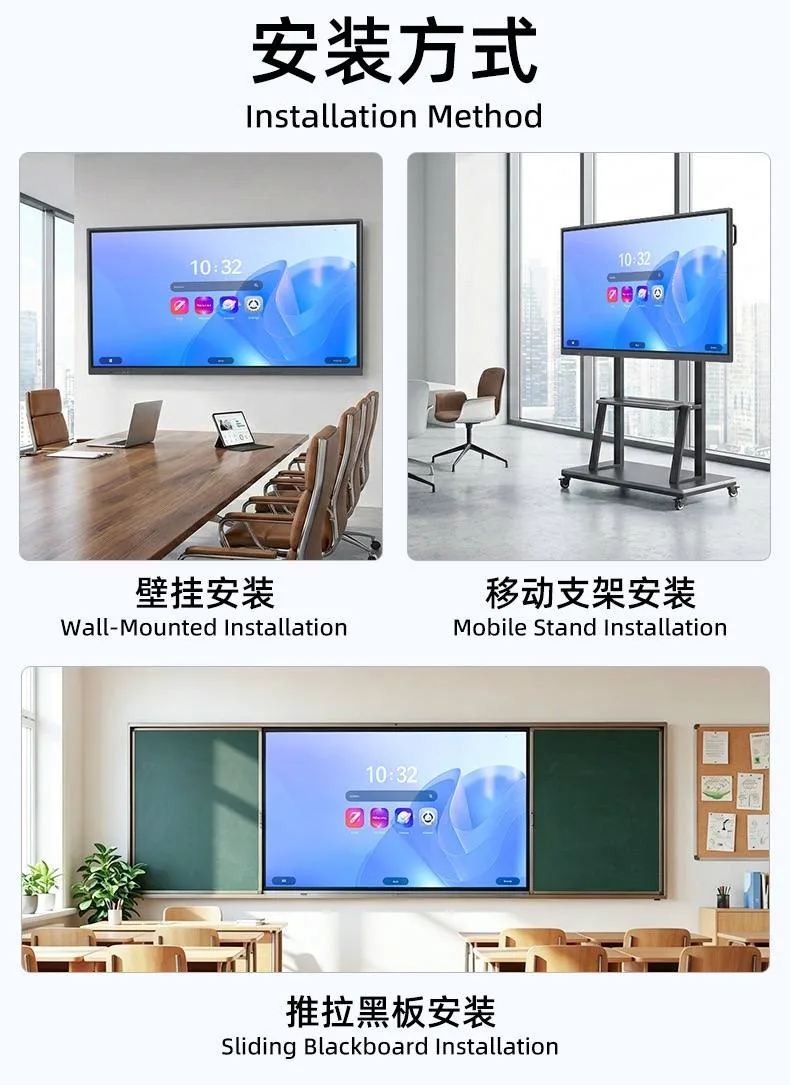
Lecture rooms, labs and hybrid teaching often require larger screens and clearer installation planning.
Open university application →| Scenario | Common sizes | Configuration focus |
|---|---|---|
| Small classroom or huddle room | 55 / 65 inch | Android system, wall mount or mobile stand. |
| Standard classroom | 65 / 75 / 86 inch | Touch writing, wireless casting, stable wall installation. |
| Large classroom or training room | 86 / 98 inch | Viewing distance, OPS option, stronger installation planning. |
| Meeting room or conference room | 75 / 86 / 98 inch | Windows OPS, camera, microphone and screen sharing. |
| Lecture hall or auditorium | 98 / 100 / 110 inch | Shipping method, wall strength and installation route should be checked early. |