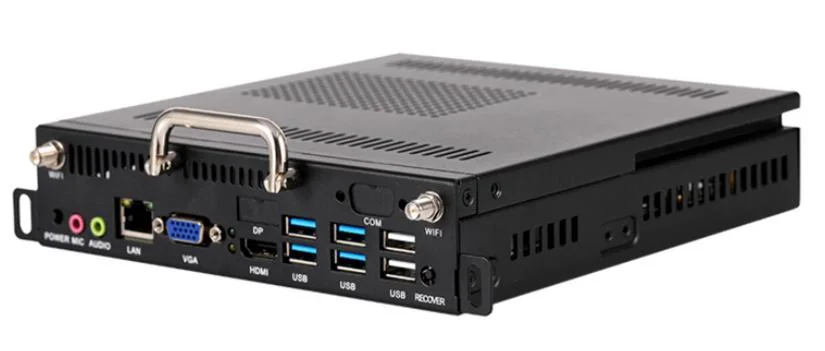
Windows OPS computer
For Office, Zoom, Teams, Google Meet and Windows teaching software.
Accessories should be quoted as separate modules. This helps buyers understand the difference between a standard Android screen and a complete classroom or meeting room solution.
For Office, Zoom, Teams, Google Meet and Windows teaching software.
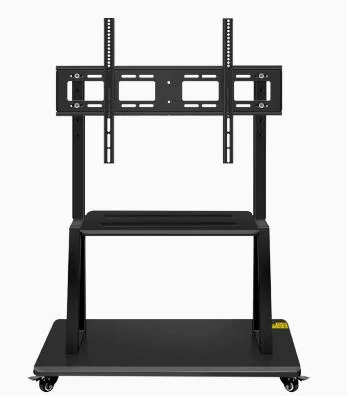
For shared classrooms, mobile training rooms and flexible meeting spaces.
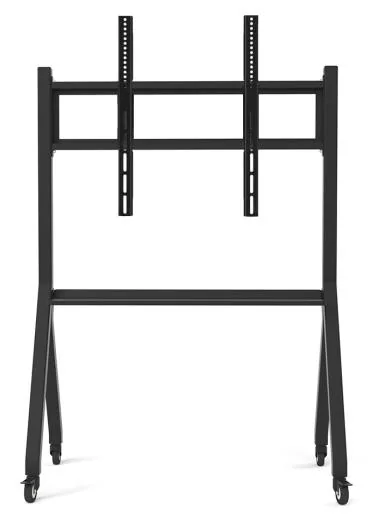
For fixed installation in classrooms and conference rooms.
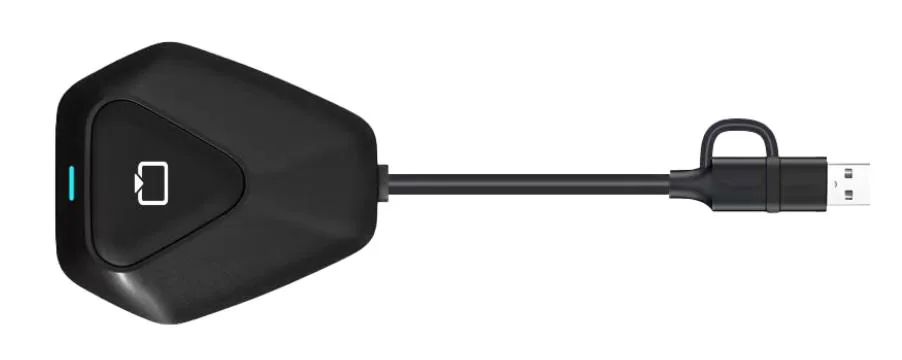
For laptop, tablet and mobile screen sharing.

For remote learning, hybrid meetings and video conferencing.
| Category | When to choose | Quote note |
|---|---|---|
| Windows OPS | Need Windows apps, Office, Zoom, Teams or local software | Separate module; not included in Android base price |
| Mobile stand | Shared use between classrooms or meeting rooms | Check screen size and load capacity |
| Camera / microphone | Hybrid teaching or video meetings | Confirm 13MP / 48MP and pickup distance |
| Wall bracket | Fixed classroom installation | Confirm wall type and VESA compatibility |
| Wooden case | International shipping or project export | Quote according to size, quantity and destination |
The interactive screen itself is only one part of the classroom or meeting room setup. OPS, camera, microphone, mobile stand, wall mount and wireless casting dongles can change how the product is used every day.
For a simple classroom, Android system with standard wall mount may be enough. For hybrid teaching or video conference rooms, camera and microphone quality become more important than adding a larger screen. For rental or movable classrooms, a stable mobile stand is often more practical than wall installation.